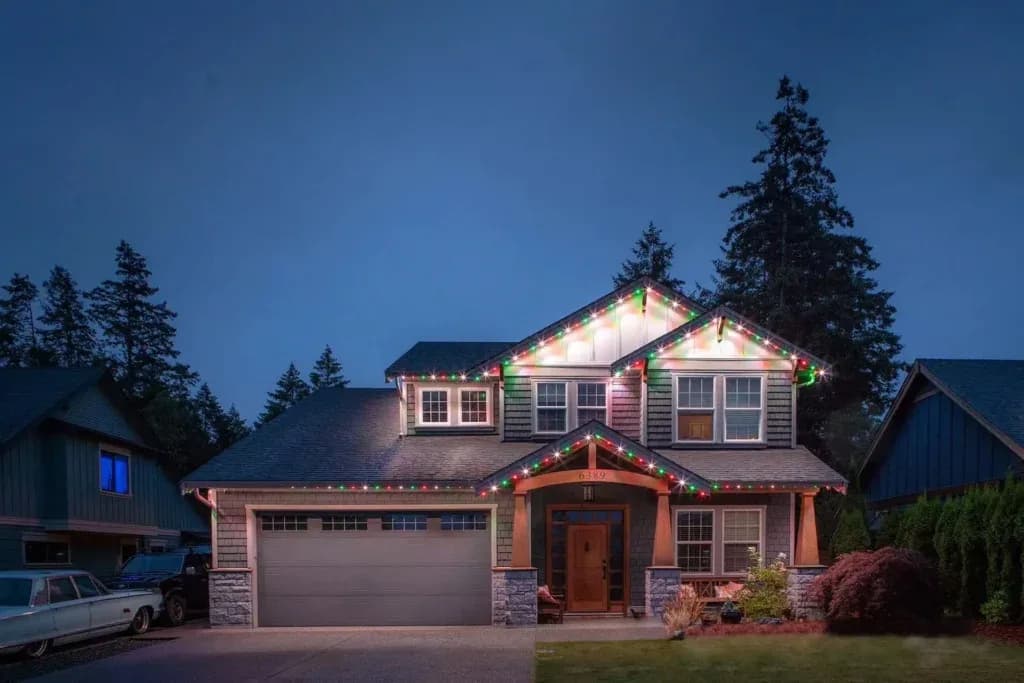
How it works
Track goes up once. Everything else is the app.
Six steps from a tape measure to a roofline you control from your phone. The same steps our crew follows, written for a weekend DIYer.
01
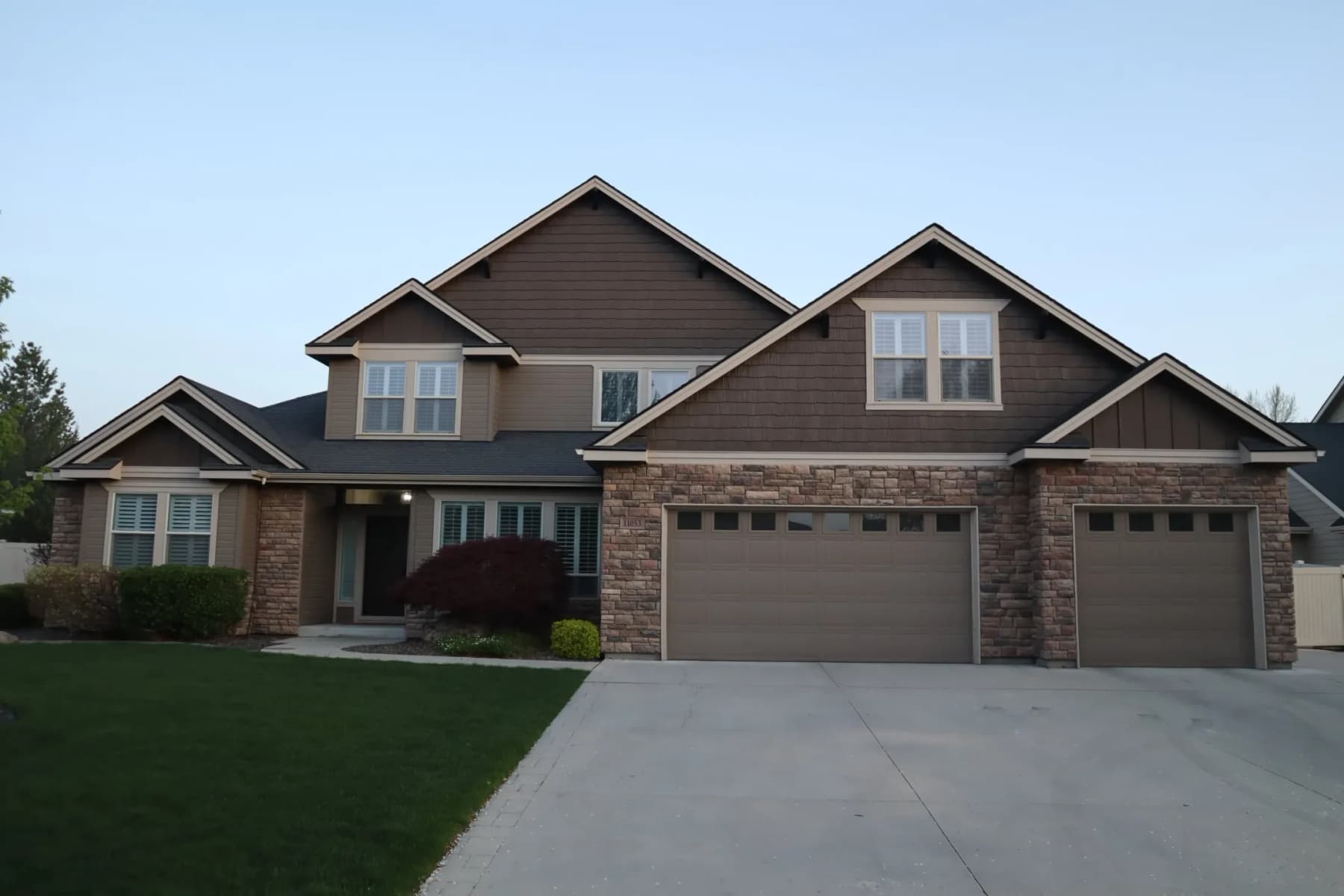
Measure every edge you want lit
Walk the house and add up rooflines, gables and soffit runs, including the gaps you will bridge with connectors. Kits come in 50, 75, 100, 150, 200 and 250 ft. In Southwestern Ontario we will measure on site for free.
Tip: Gables need the diagonal length, not the width across the bottom.
02
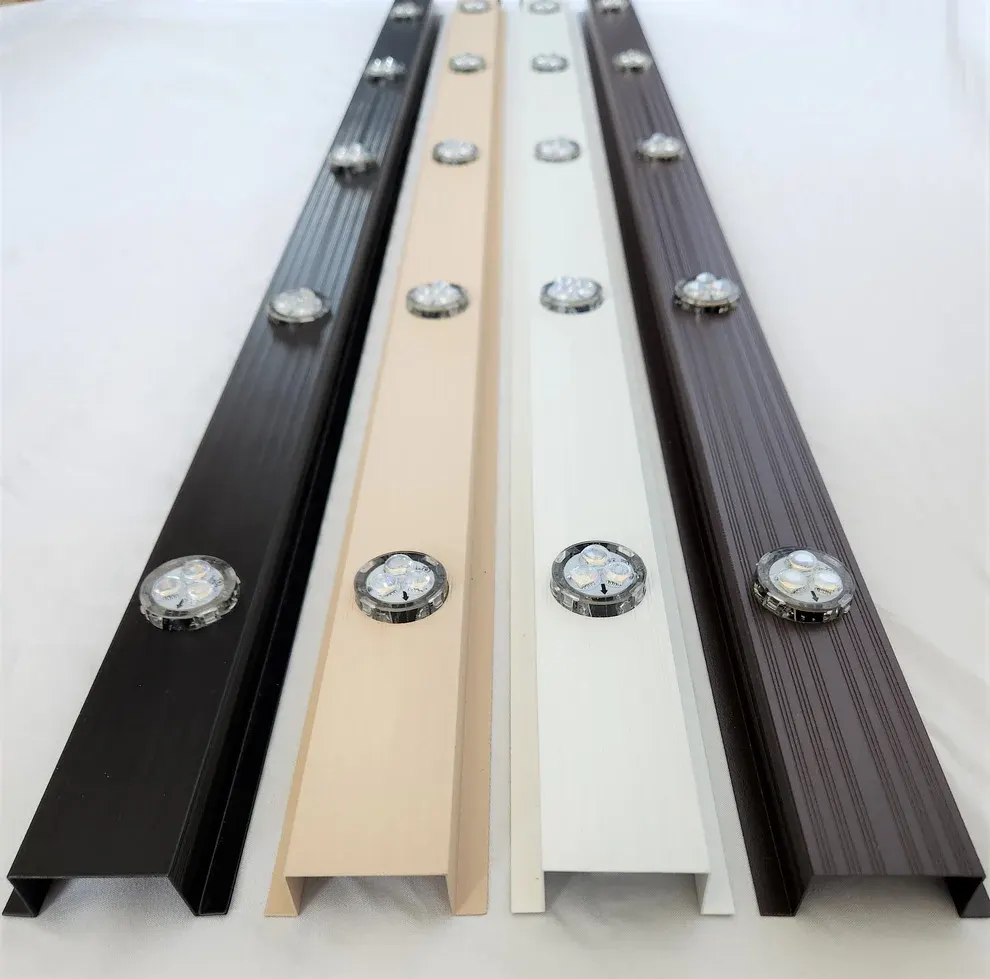
Choose the track colour
The channel is what people see by day, so match it to the soffit rather than the brick or the fascia. Black, white, wicker and brown cover nearly every vinyl and aluminum soffit sold in Canada. Screws are colour-matched too.
Tip: Wicker is the safe pick for tan, sand and clay soffits.
03
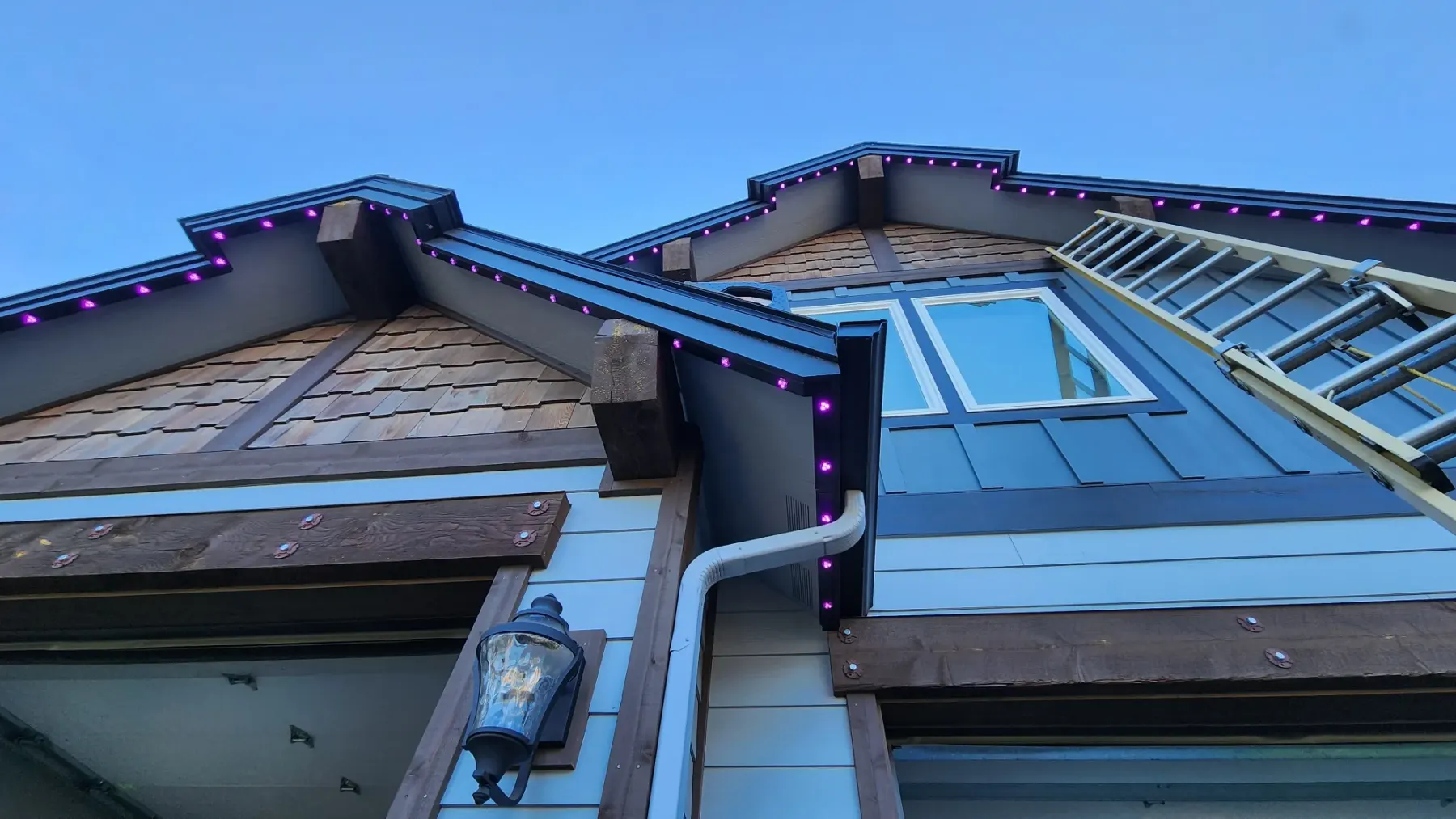
Screw the track under the soffit
Each 42-inch piece screws flush to the soffit at the fascia edge through pre-drilled holes. Vinyl, aluminum and wood soffits each want a slightly different screw pattern, which the mounting guide covers. Cut the last piece with a hacksaw.
Tip: Keep the pucks pointing down the wall so the light washes the siding.
04
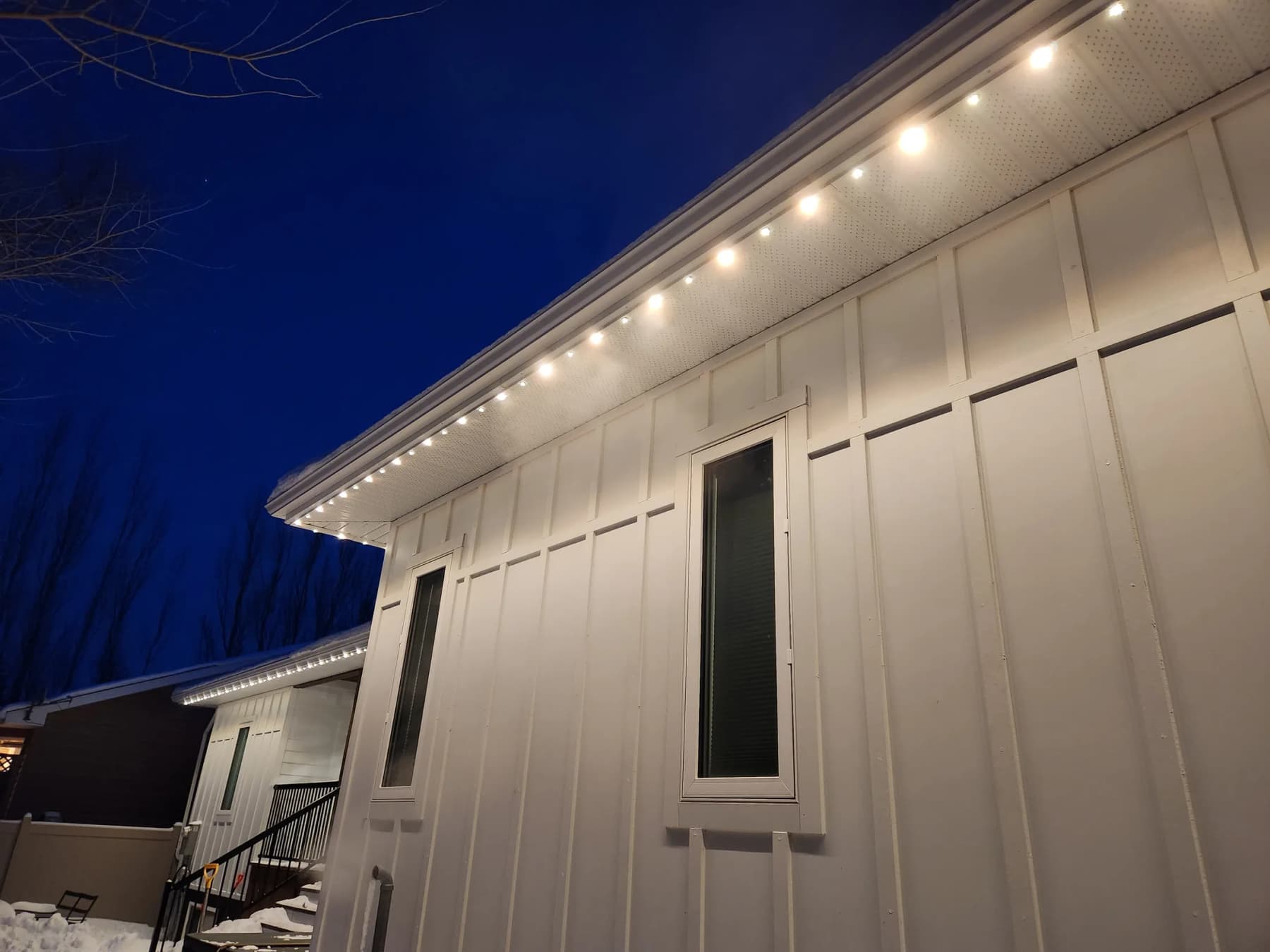
Press in the pucks, connect the run
Five-puck strands press into the track and join with sealed twist connectors. Extension connectors skip garage doors and dormers so the spacing stays even. T-connectors let one output branch left and right.
Tip: Kits from 100 ft include power-injection parts. Inject roughly every 120 pucks.
05
Plug into a GFCI outlet
The 12V supply plugs into an existing outdoor or garage GFCI receptacle. The whole system is CSA Class 2 low voltage, so a plug-in install needs no electrician or permit in most municipalities.
Tip: A hidden outlet in the soffit is an electrician's job, and worth it on the front elevation.
06
Pair the app and set a scene
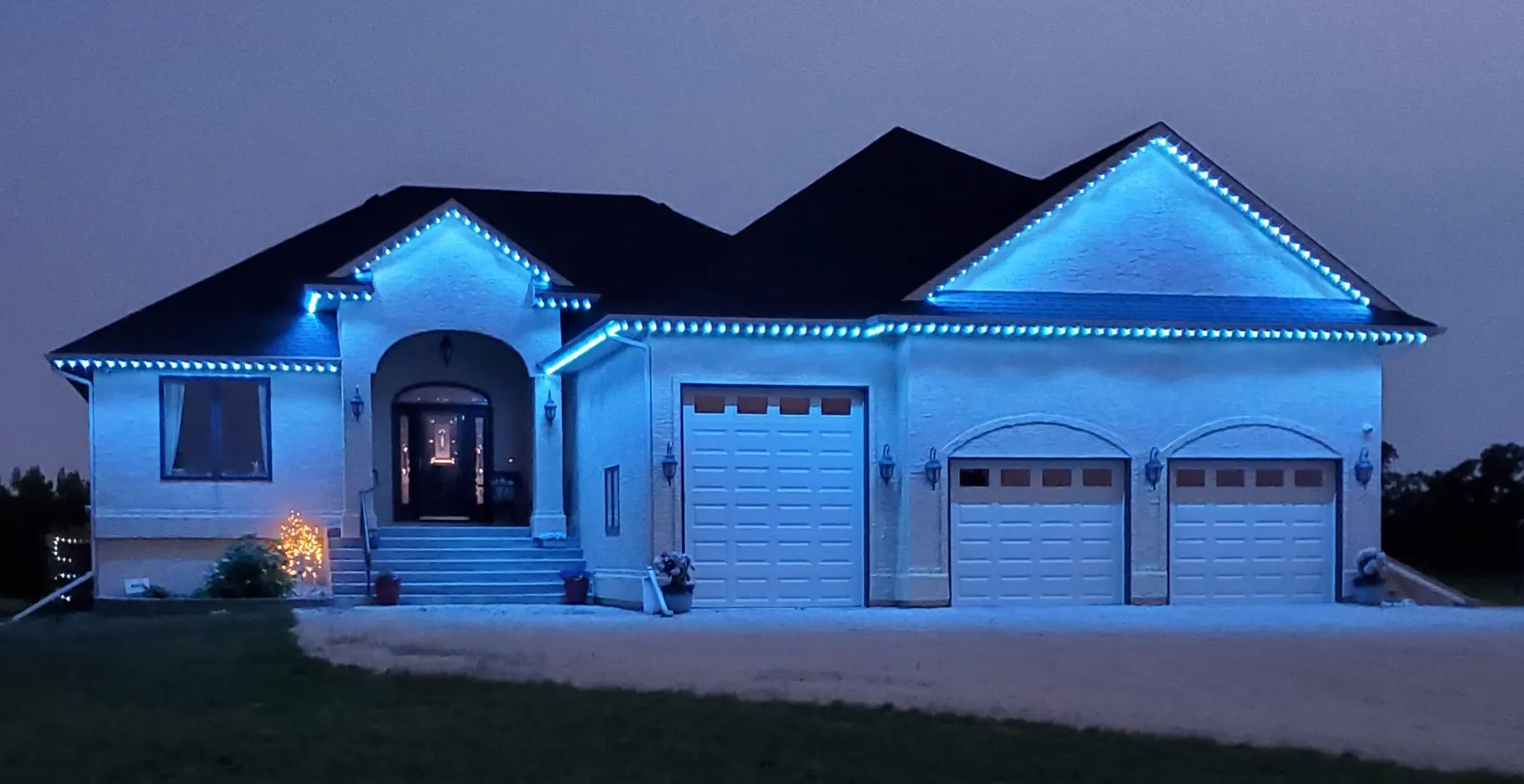
The controller joins your 2.4 GHz WiFi and the free WLED app takes over: colours, a true warm white, saved holiday scenes, sunset schedules, zones and voice control. Scenes live on the controller, so they run even when the internet is down.
Tip: Set warm white on a sunset schedule first. The holiday colours are the bonus.